You finally secured that top-three spot in Google for your flagship product. You’re ready to watch the clicks roll in. But then, it happens. A customer clicks your search result, lands on your product page, and finds the item is out of stock. Even worse, the search result didn't reflect that reality, leading to a bounce and a wasted click. Or, conversely, Google thinks your product is out of stock when it’s actually sitting on your shelves, ready to ship.
In 2026, the SERP is your digital storefront. If your 'InStock' schema data doesn't match your actual inventory levels, you aren't just losing conversions—you’re losing Google’s trust. When your metadata and your backend inventory fall out of sync, your click-through rate (CTR) plummets, and your search rankings follow suit.
The Hard Way: Manual Schema Correction
If you have five products, fixing this is a weekend project. If you have 500, it’s a career-limiting mistake. To manually correct your product schema, you would typically follow these steps in your Shopify Admin:
- Open the Products tab in your Shopify dashboard.
- Select a specific product to edit.
- Navigate to the 'Inventory' section to ensure the SKU and tracking are correctly configured.
- Dive into your Liquid theme code (or use an app-injected script) to ensure the
product.jsonorschema.orgmarkup correctly pulls theavailabilityattribute. - Verify every single variant, as each variant often holds its own inventory status.
- Refresh your cache and run the Google Rich Results Test for every single URL to confirm the fix took hold.
Doing this for one product takes ten minutes. Doing it for your entire catalog? That’s hundreds of hours of manual labor, leaving your team vulnerable to human error and constant inventory shifts.
The Pivot: Stop Clicking, Start Automating
Manual editing isn't just inefficient; it’s unsustainable. In the fast-paced e-commerce environment of 2026, your inventory status changes in real-time. You need an automated, bulk-oriented approach that leverages Shopify’s native architecture rather than fighting against it.
The Smart Way: RankingRider Automation
RankingRider bridges the gap between complex SEO requirements and Shopify’s massive product catalogs. We don't just guess at what your store needs; we provide a measurable, data-driven approach to optimization.
1. Predictive SEO Scoring Engine
Most SEO tools tell you to “optimize your content” without telling you if it actually worked. RankingRider is different. Our Predictive SEO Scoring Engine calculates a score both before and after your optimizations. You get to see the “Delta”—the mathematical improvement in your ranking potential. You no longer have to hope your changes work; you can see the impact before you even hit save.
2. Single Item Hyper-Optimization
For those high-margin flagship products that drive your business, RankingRider allows for precise, single-item optimization. Create high-quality, search-aligned content that resonates with both your customers and the search crawlers.
3. The Bulk Processor (Your Secret Weapon)
Stop the manual editing cycle. RankingRider uses Shopify’s native, robust infrastructure to scale your SEO operations in minutes, not months:
- Generate: Use RankingRider to create an SEO-optimized product file (CSV).
- Import: Navigate to Shopify Admin > Products and click the 'Import' button.
- Overwrite: Upload your RankingRider-generated CSV, check 'Overwrite existing products,' and confirm.
This method is safe, reliable, and taps into Shopify’s native import system to update thousands of items simultaneously. It is the most secure way to ensure your 'InStock' schema and product metadata are perfectly aligned across your entire catalog.
Take Control of Your SERP Presence
Don't let inventory mismatches kill your organic performance. By integrating RankingRider into your workflow, you combine AI-driven intelligence with Shopify’s native power. Stop guessing and start scaling your SEO strategy today.
Start Optimizing in Bulk with RankingRider
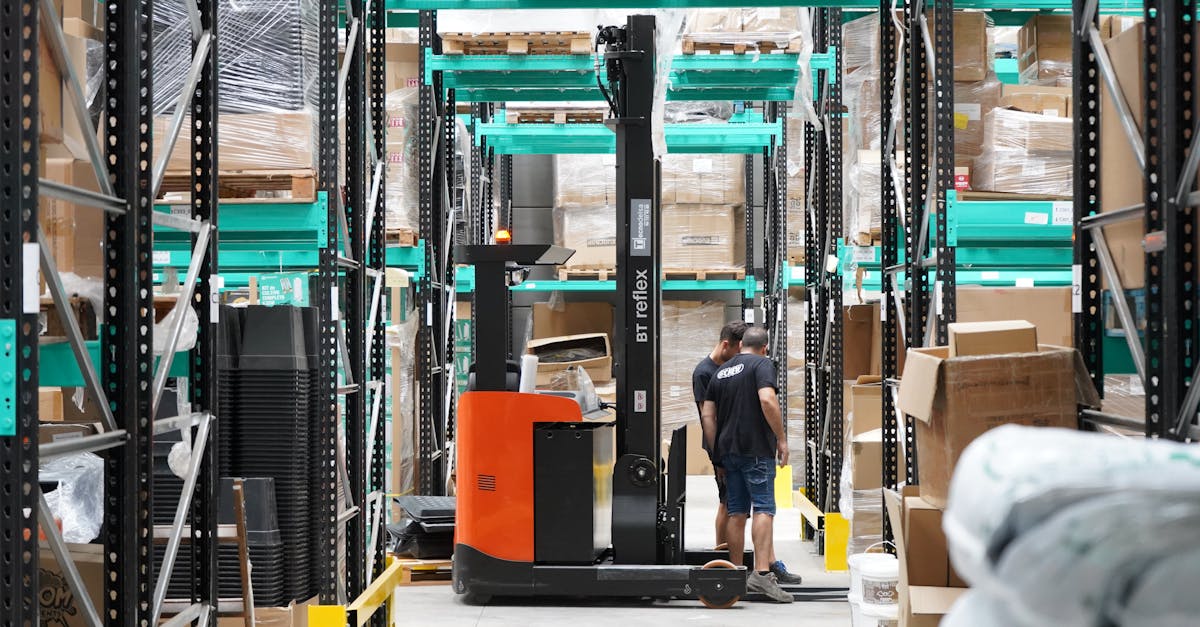
Image by GB The Green Brand on Pexels